Reporting Software: FLIR Thermal Studio Pro Read more.
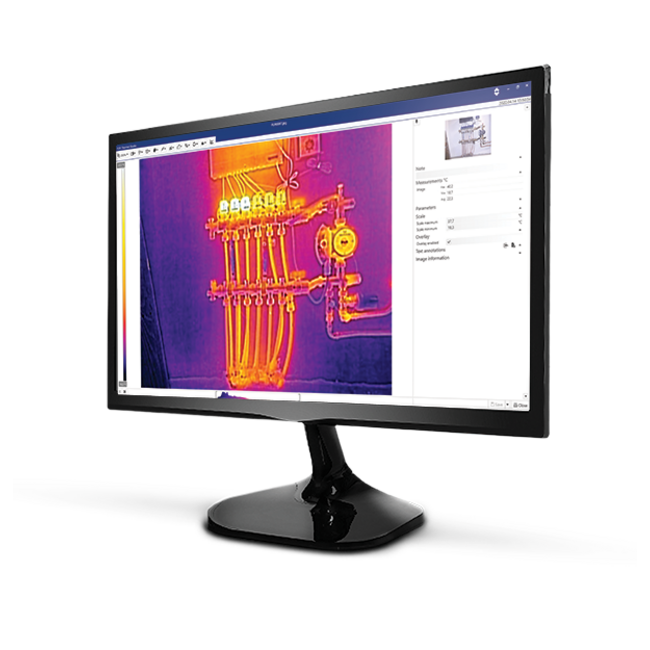
FLIR Thermal Studio Pro is the most comprehensive and powerful software within the Thermal Studio series for analyzing, editing, and reporting thermal images. This software is developed for demanding professionals who work with FLIR thermal imaging cameras and expect maximum depth, flexibility, and accuracy during thermographic inspections.
With FLIR Thermal Studio Pro, you effortlessly process radiometric images and videos into comprehensive and professionally formatted reports. The Pro version is ideally suited for applications in industry, electrical engineering, energy, construction, R&D, maintenance, and gas detection, among others.
View the starter/standard version: Here
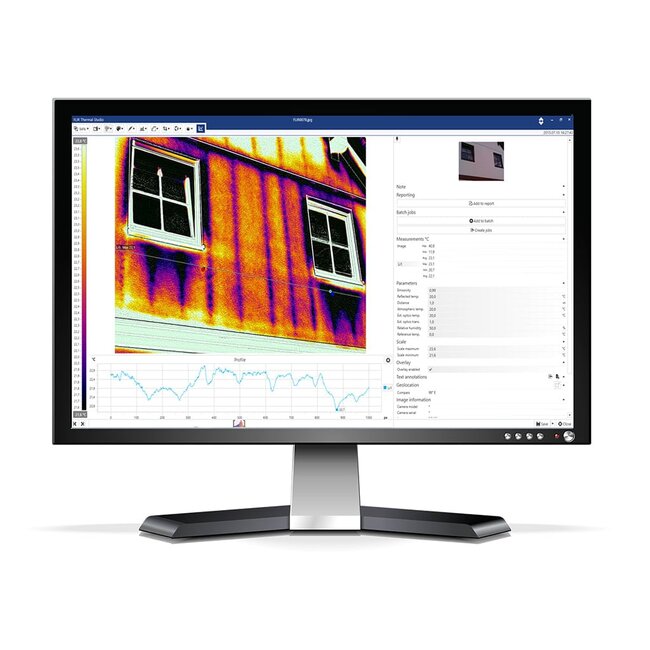
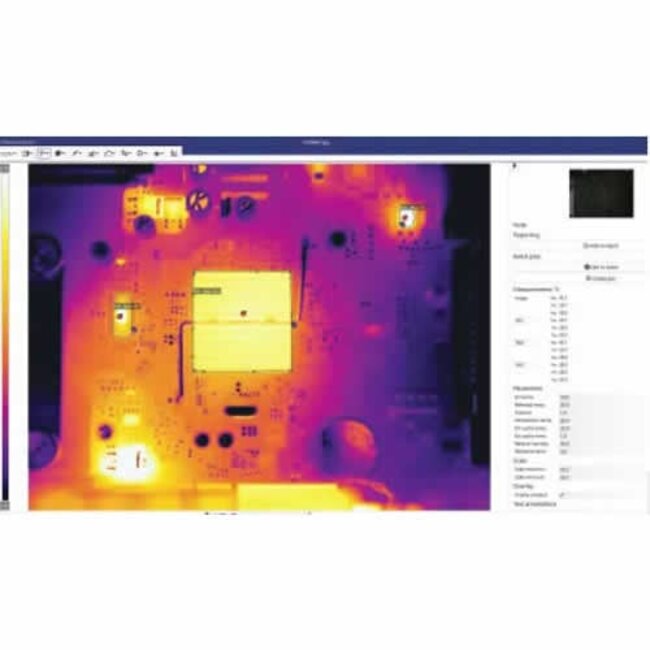
FLIR Thermal Studio Pro offers all the features of the Starter and Standard versions, supplemented with advanced analysis tools. You perform accurate temperature measurements, use delta measurements, formulas, polygons, and the Magic Wand, and combine visual and thermal images for maximum insight.
In addition, the Pro version supports extensive reporting and presentation capabilities, including unlimited report templates, a full report editor, and the ability to incorporate your own company logo into images and reports. Thanks to the intuitive interface, you work quickly and efficiently, even during complex inspections.
Text continues below the photo
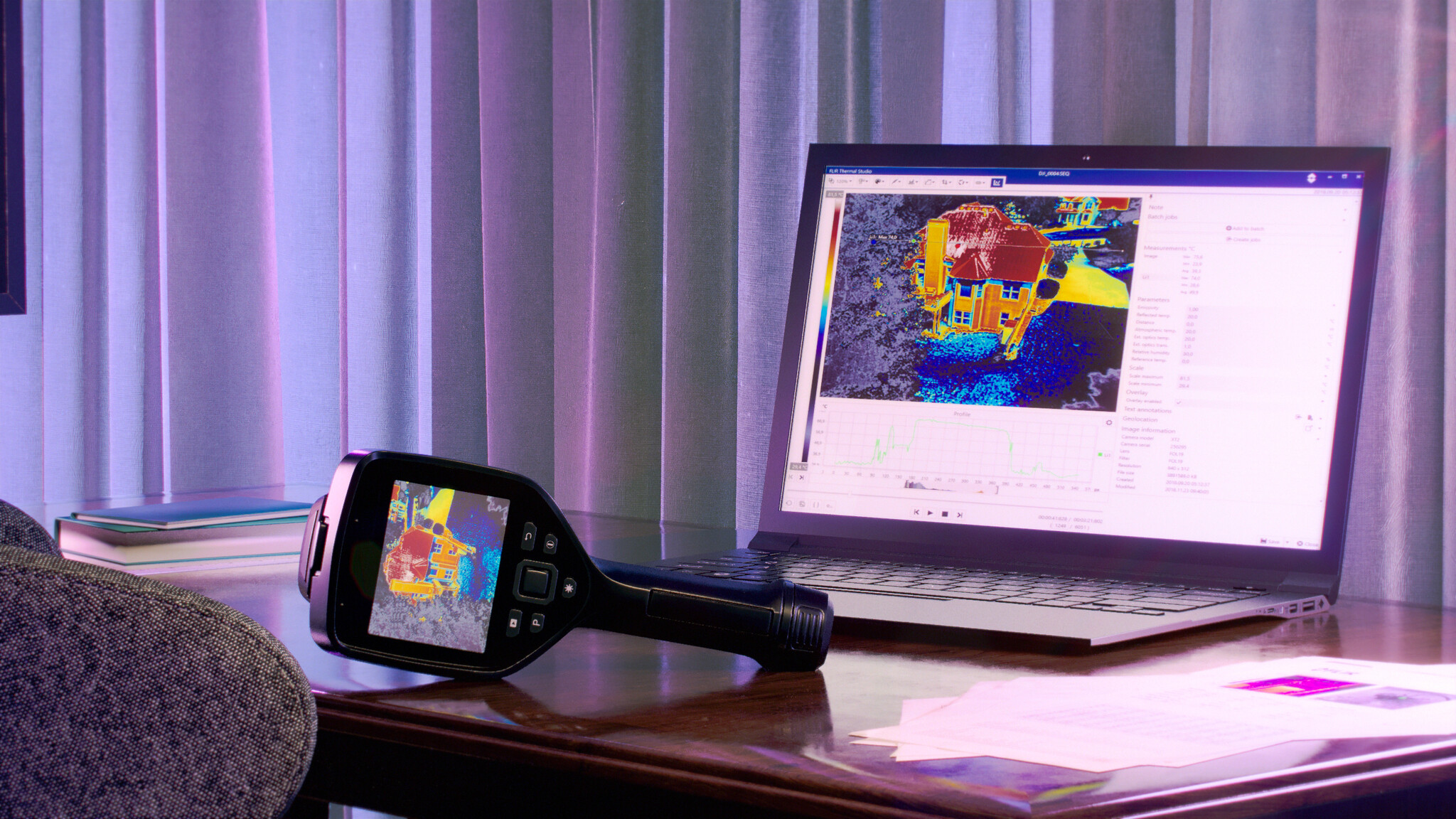
Compatible with all FLIR thermal imaging cameras with radiometric JPEG
Advanced analysis of thermal images and videos
Extensive measurement functions (spots, lines, surfaces, polygons, delta, formulas)
Magic Wand for quick area selection
Gas visualization with High Sensitivity Mode (HSM)
Radiometric video recording and editing (CSQ & SEQ)
Professional and fully customizable reports
Support for FLIR Route Creator (plugin)
Reliable FLIR quality and professional support
The FLIR Thermal Studio Pro is designed for professionals who work with thermography daily and require maximum functionality and precision. Ideal for complex inspections, condition monitoring, energy audits, gas leak detection, and industrial applications where in-depth analysis and reliable documentation are crucial.
Maximum analysis capabilities
Time-saving workflows and batch processing
Comprehensive and professional reports
Support for advanced inspection routes
Fully integrated within the FLIR ecosystem
With the FLIR Thermal Studio Pro, you acquire the most complete thermal analysis tool to take your inspections to the highest level.
Text continues below the photo
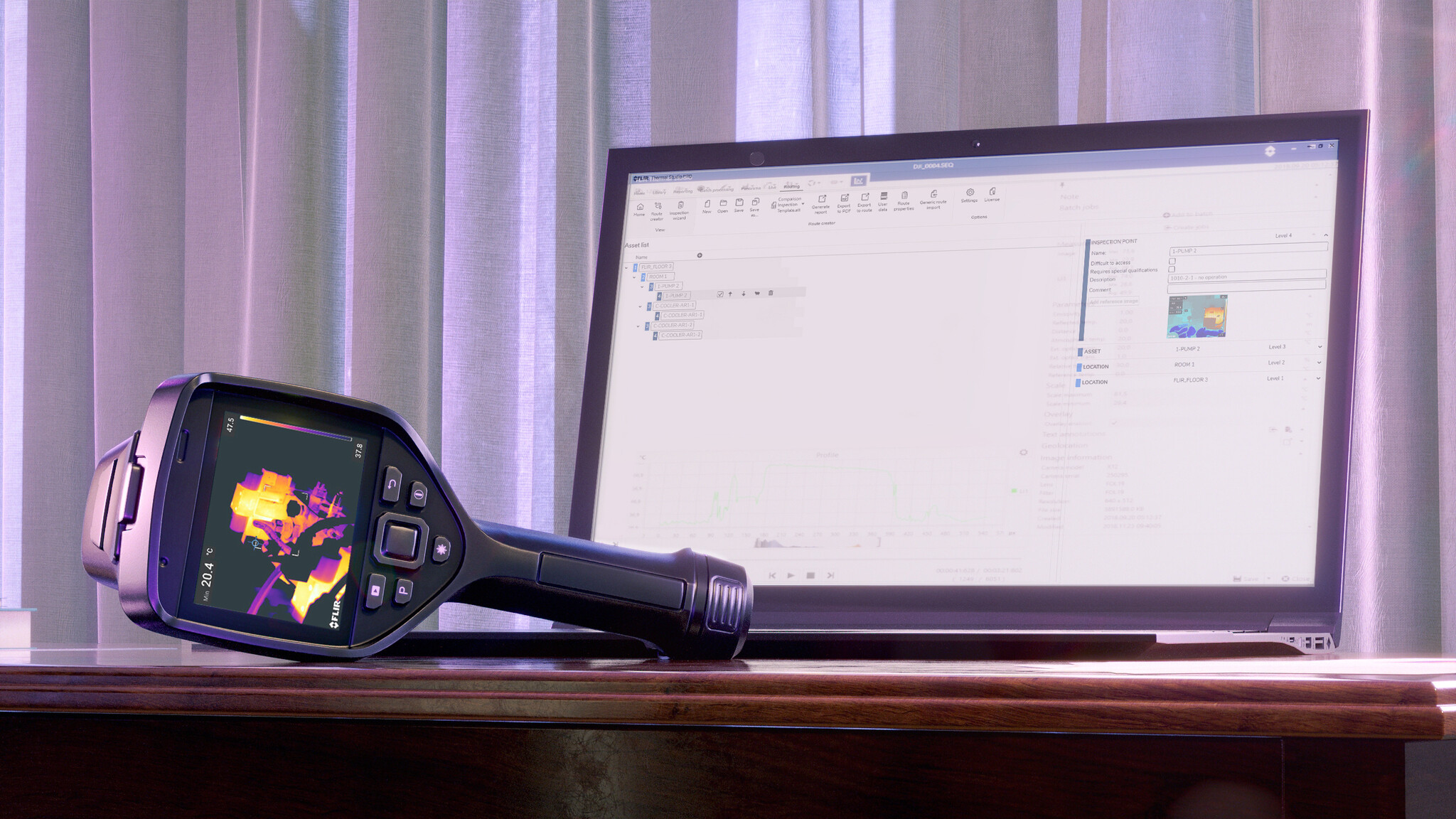
The FLIR Thermal Studio software is available in various licensing forms, so you can always choose a solution that suits your organization and usage needs.
12-month license (subscription)
Flexible solution with (optional) annual renewal, including updates and support.
Lifetime license (one-time purchase)
Permanent license: pay a one-time fee for lifetime usage rights, without annual costs. (As long as FLIR continues to support the software)
Each FLIR Thermal Studio license is valid for:
2 devices / 2 users per license
This makes the software extremely suitable for teams working at multiple locations, such as the office and field service, or for organizations with multiple inspectors.
- [Or check out our article: FLIR Ignite Starter vs PRO: What are the differences? ]
| Starter | Standard | Pro | |
| License | Free | 12 Months or lifetime | 12 Months or lifetime |
| Starter | Standard | Pro | |
| Images | JPEG, radiometric JPEG | JPEG, radiometric JPEG | JPEG, radiometric JPEG |
| Video | MP4, CSQ, SEQ | MP4, CSQ, SEQ | MP4, CSQ, SEQ |
| Export formats | PDF, XPS, JPG, ATR | PDF, XPS, JPG, ATR, CSV | PDF, XPS, JPG, ATR, CSV, AVI |
| Starter | Standard | Pro | |
| Viewing and editing radiometric images | Yes | Yes | Yes |
| Spot, Box, Line, Ellipse/Circle | Yes | Yes | Yes |
| Delta measurements | No | Yes | Yes |
| Formulas |
No | Yes | Yes |
| Measurement alarms | No | Humidity, Insulation | Humidity, Insulation |
| Magic Wand, Polygon | No | No | Yes |
| Starter | Standard | Pro | |
| Fast reporting with standard templates | Yes | Yes | Yes |
| Custom reporting templates | No | Max. 5 templates | Unlimited |
| Report editor | No | Yes | Yes |
| Your own logo in image | No | No | Yes |
| Starter | Standard | Pro | |
| Image display | MSX®, thermal only, thermal fusion, blending, picture-in-picture, visual only | MSX®, thermal only, thermal fusion, blending, picture-in-picture, visual only | MSX®, thermal only, thermal fusion, blending, picture-in-picture, visual only |
| Image settings | MSX alignment, 90° rotation | MSX alignment, 90° rotation, scaling, cropping | MSX alignment, 90° rotation, scaling, cropping |
| Annotations | Text, speech | Text, speech | Text, speech |
| Color distribution | Histogram equalization, signal linear, temperature linear | Histogram equalization, signal linear, temperature linear + Digital Detail Enhancement | Histogram equalization, signal linear, temperature linear + Digital Detail Enhancement |
| Image overlay | No | Yes | Yes |
| Custom color palettes | No | No | Yes |
| Gas visualization | No | No | High Sensitivity Mode (HSM) & Pixel Binning |
| Starter | Standard | Pro | |
| Watch non-radiometric video | Yes | Yes | Yes |
| Recording non-radiometric video | Yes | Yes | Yes |
| Watch radiometric video | Yes | Yes | Yes |
| Radiometric video editing (SEQ/CSQ) | No | Yes | Yes |
| Recording radiometric video | No | No | Yes |
| Video segmentation | No | No | Yes |
| Dual streaming (visual & IR) | No | No | Yes |
| Starter | Standard | Pro | |
| Scales & units | No | Yes | Yes |
| Visual presentation | No | Palette, fusion | Palette, fusion, UltraMax®, isotherms, alarms, zoom, notes, sketches |
| Measurements | No | Spotlights | Spots, ellipses, rectangles, lines, delta |
| Parameters | No | Emissivity, distance | Comprehensive (incl. humidity, atmospheric temp., optics) |
| Output | No | Radiometric JPG | Radiometric JPG, JPG, CSV, AVI, maps, graphs |
| Compatible FLIR cameras | All cameras that generate radiometric JPEG images (including A, B, C, K, T, E, GF, i, P6, and FLIR ONE series) |