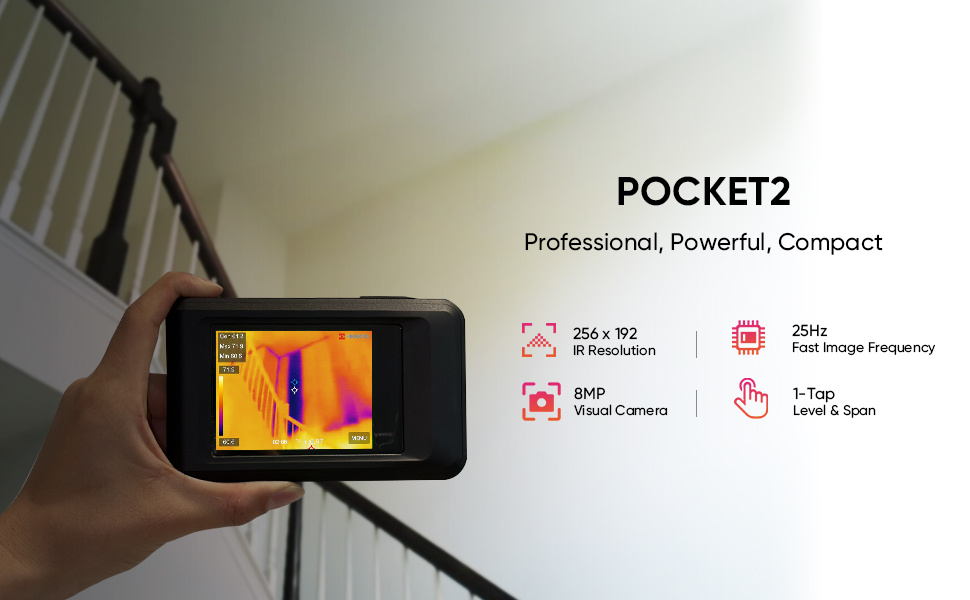
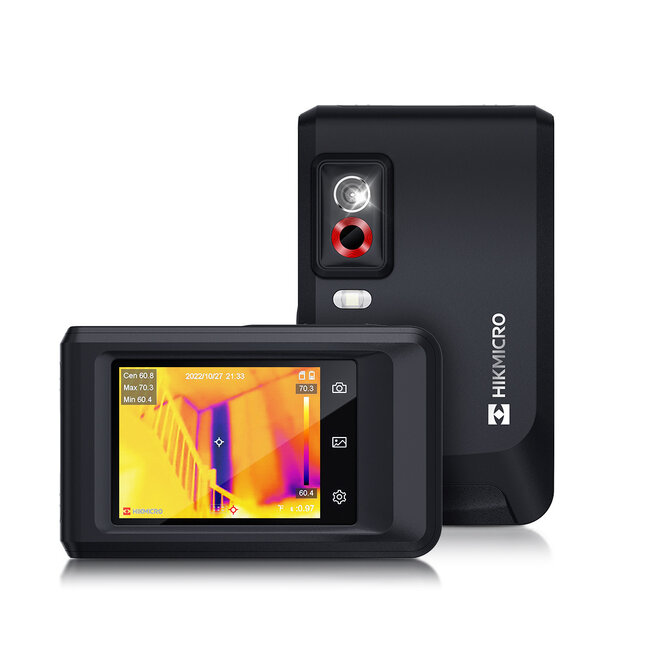
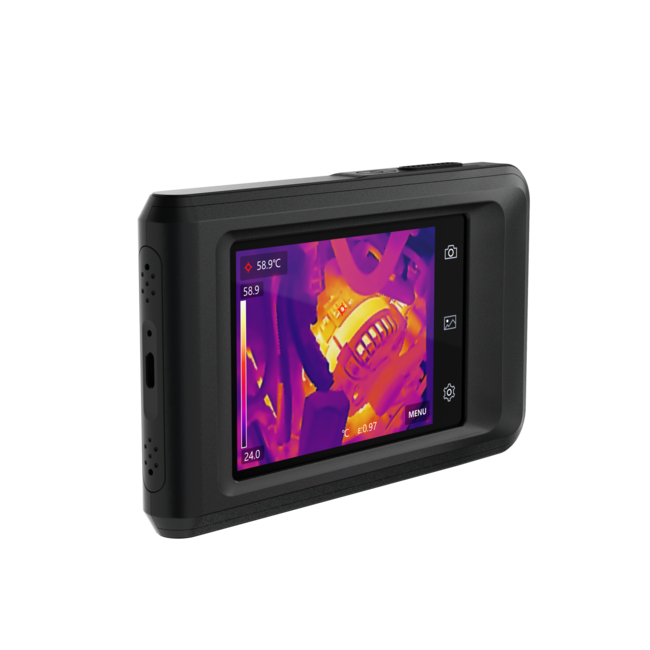
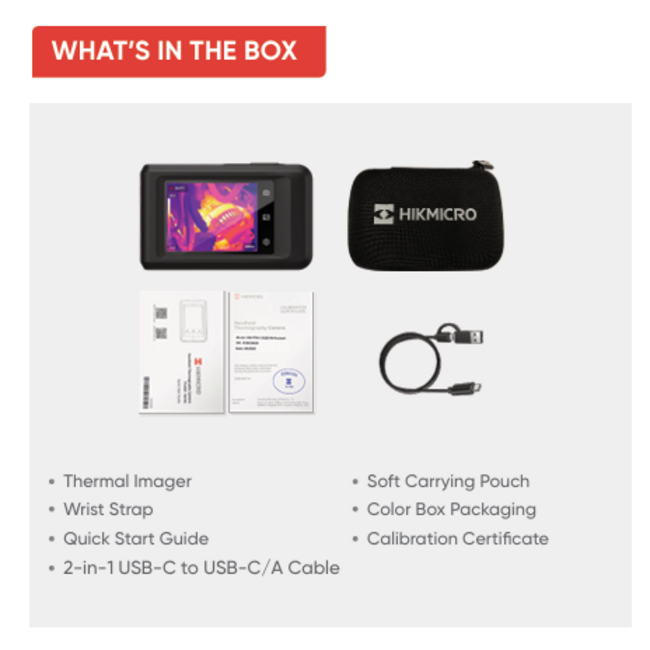
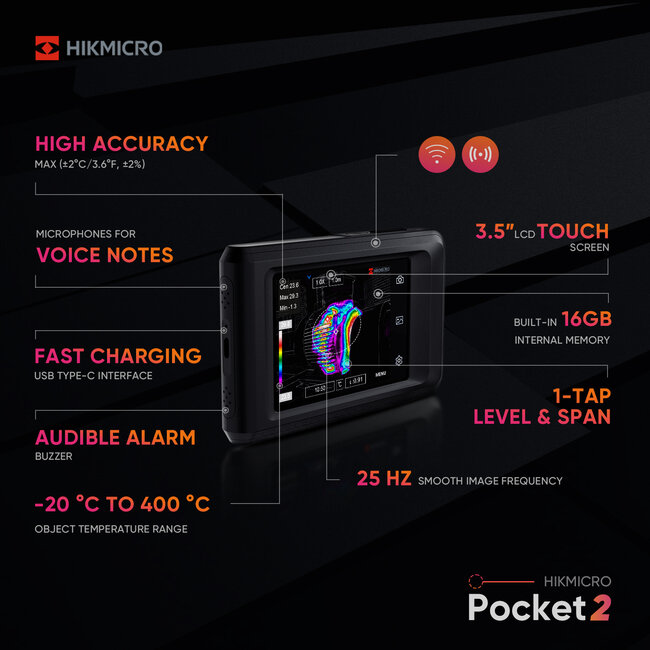
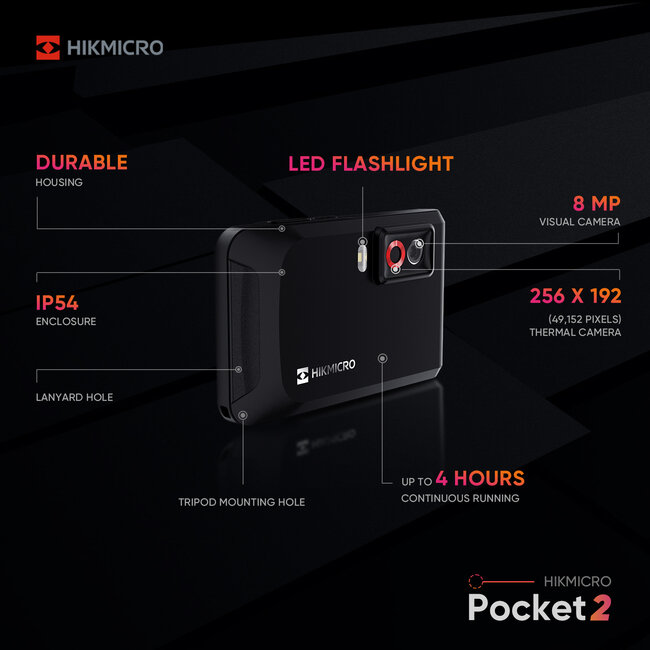
The HIKMICRO Pocket2 is a compact thermal imaging camera with a high resolution of 256 x 192 pixels for quick inspections. Read more.
The HIKMICRO Pocket 2 thermal camera is an advanced and compact thermal camera specifically designed for fast users. Its high image quality, fast startup, and user-friendly design make it ideal for quick inspections, maintenance, and construction applications.
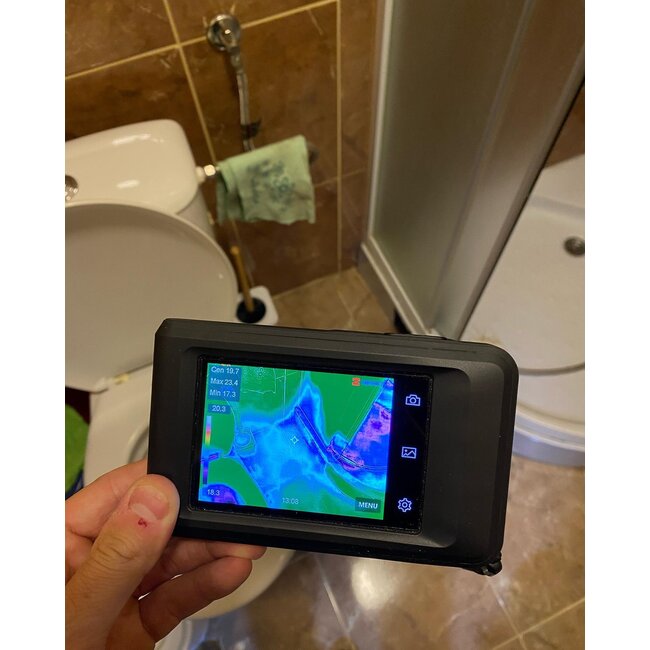
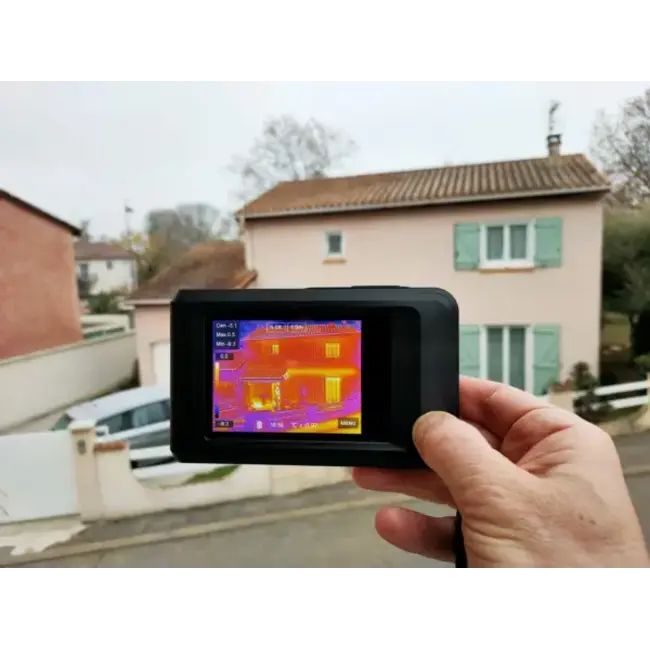
The HIKMICRO Pocket 2 features a powerful, high-resolution thermal sensor, clearly displaying temperature differences. This thermal imaging camera is perfect for detecting heat loss, thermal bridges, and insulation problems, among other things. The combination of thermal imaging and visual camera technology produces clear, detailed images.
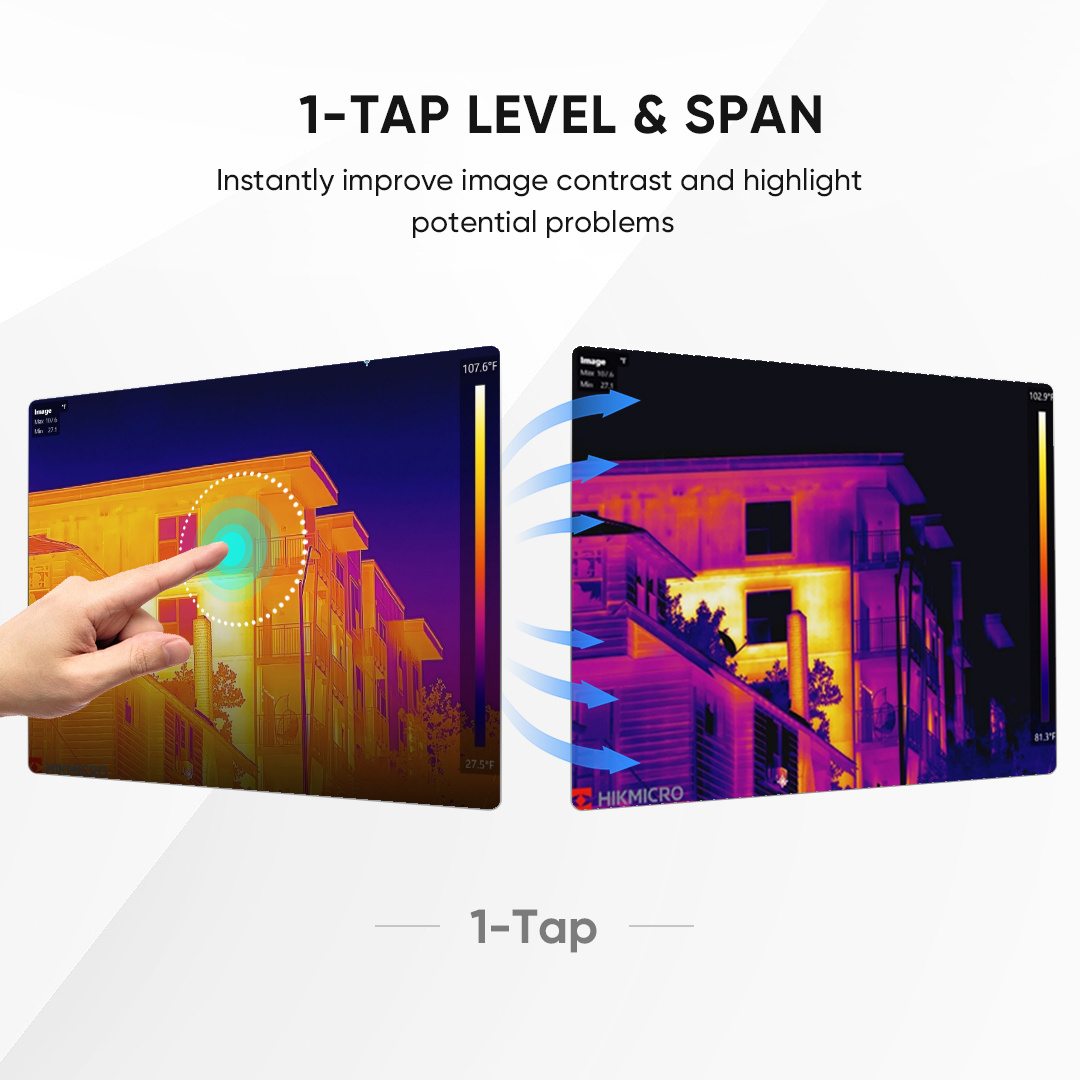
Thanks to the innovative 1-Tap Level & Span function, you can optimize the thermal image with a single touch. The camera automatically adjusts the temperature range and contrast based on the measured surface, instantly revealing details. This saves time and ensures a clear thermal image every time, even in rapidly changing conditions.
Text continues below the photo
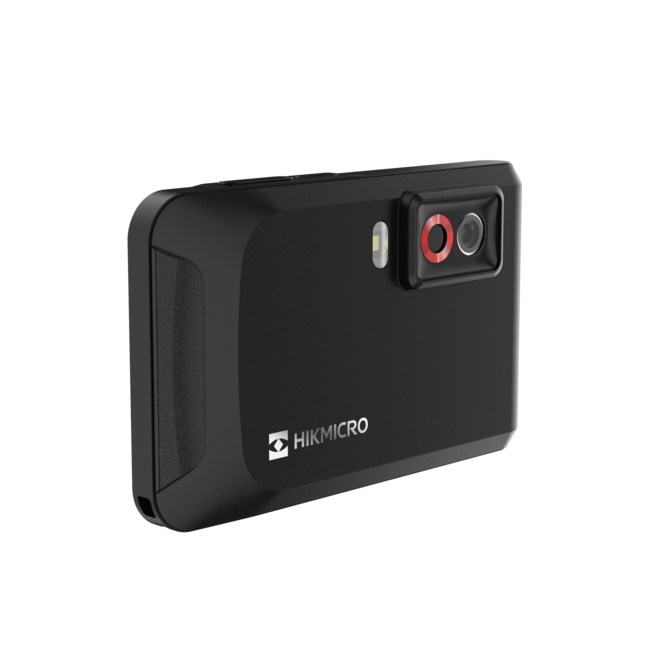
What sets the HIKMICRO Pocket 2 apart is its compact size. This thermal imaging camera fits easily in your pocket, making it always within reach. Despite its small size, the Pocket 2 delivers high performance, making it ideal for both mobile use and quick on-site inspections.
The Pocket 2 is ready to use in seconds and easy to operate via its bright touchscreen. The user-friendly menu and multiple color palettes allow you to customize the thermal images to your situation. Furthermore, the camera has built-in storage, allowing you to save images and videos immediately and analyze them later.
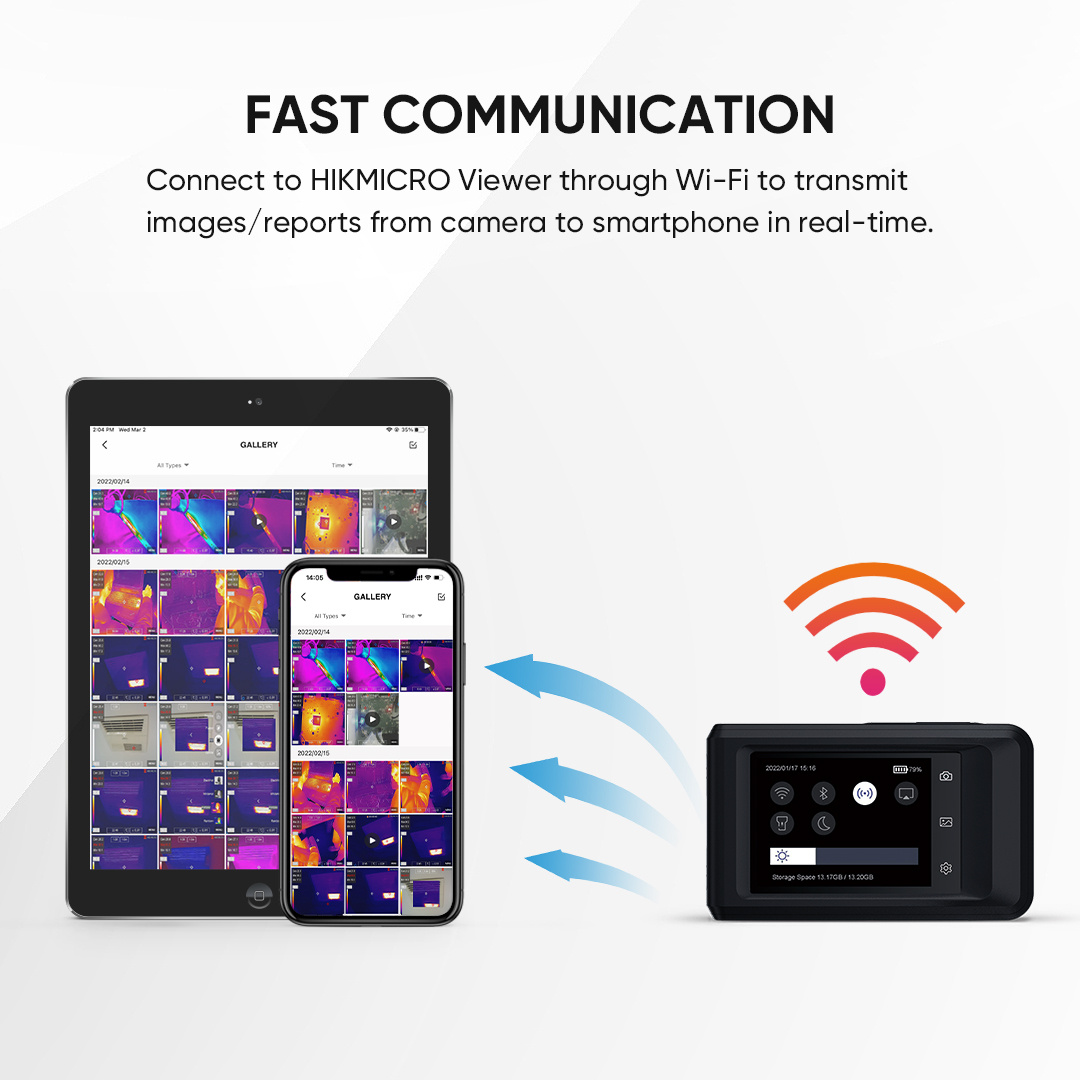
The HIKMICRO Pocket 2 thermal imaging camera easily connects to the HIKMICRO app via Wi-Fi. This app allows you to quickly view, save, and share thermal images and videos on your smartphone or tablet. This makes reporting and analysis much more efficient, both on-site and afterward. The stable app connection ensures a smooth workflow and added convenience.
You need to download the "HIKMICRO viewer" app from the Google Play Store or Apple Store.
Open the app, connect the camera and follow the steps.
- Apple store: Download here for Apple
- Playstore: Download here for playstore
Text continues below the photo